
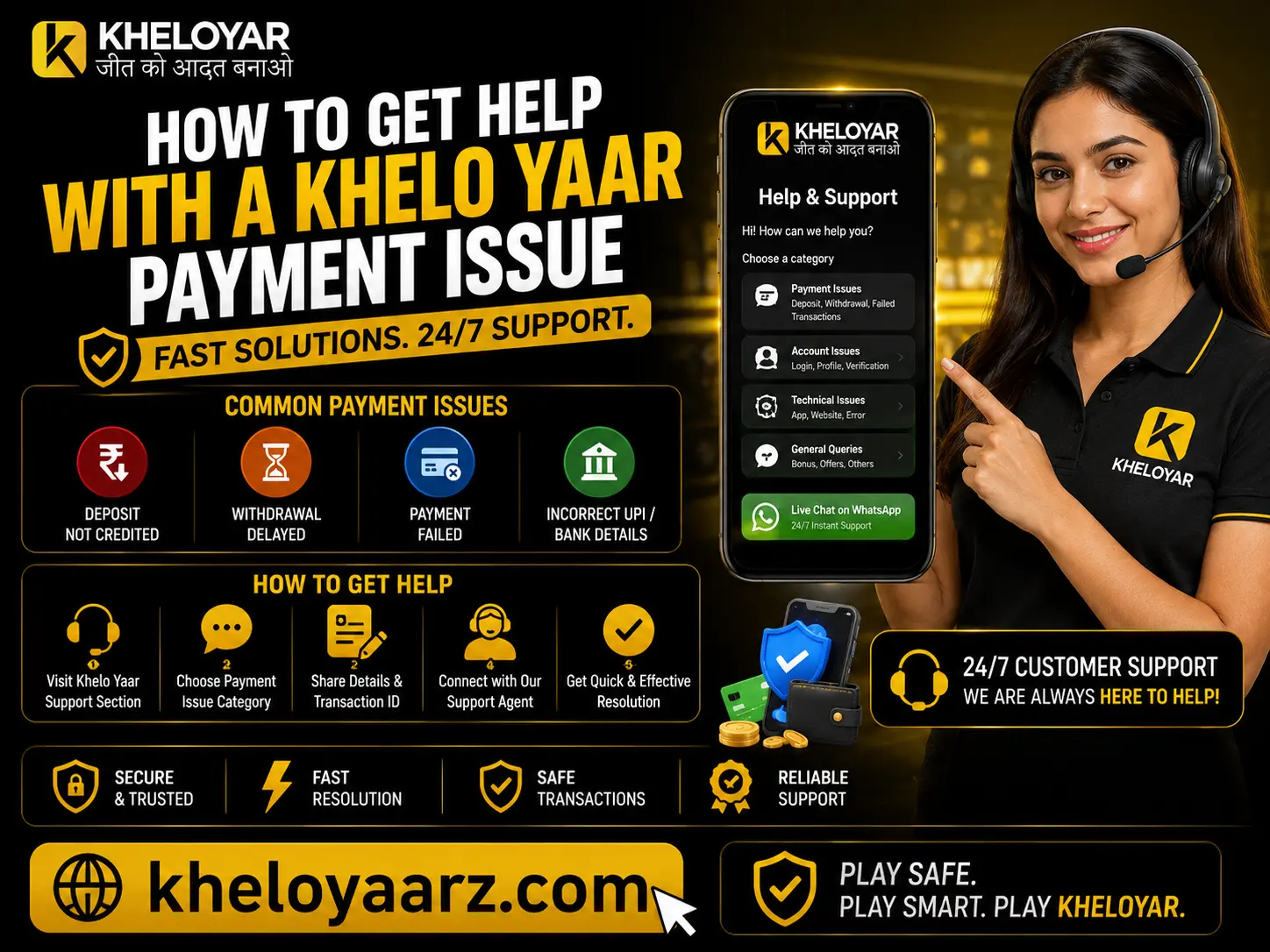
How to Get Help With a Khelo Yaar Payment Issue
Introduction Encountering issues with payments can be very distressing, particularly when a deposit is not cleared, a withdrawal process is taking longer than it should, or a payment is declined without giving any reason. We at Khelo Yaar know why you would need some information on this issue. This guide will explain how to go about resolving a Khelo Yaar Payment Issue, look into your transaction details, find out the possible causes of delayed payments, and provide all necessary information when getting in touch with customer support. No matter whether you are using Khelo Yaar on their website or Khelo Yaar Apk, just take some simple steps to get things clear. Common Khelo Yaar Payment Issues Users May Encounter A number of factors may contribute to payment problems including bank processing issues, wrong transaction details, disruptions in the network, or lack of proper verification. Determining the problem is the first step towards solving it. Payment problem Possible reason Recommended action Deposit is pending Bank or payment provider is still processing it Check your bank statement and transaction status Deposit failed Payment was declined or interrupted Verify the payment details before trying again Money was deducted, but the balance did not update Transaction confirmation may be delayed Save the transaction reference and contact support Withdrawal is delayed Processing or verification requirements remain incomplete Review the withdrawal status and applicable requirements Refund has not arrived The bank or payment provider may still be processing it Check the expected refund timeline with the provider Payment option is unavailable Temporary technical issues or payment restrictions Check the available payment instructions before proceeding This is only a list of the possible fixes that could be done, but does not necessarily mean that this is the reason behind any specific transaction. How to Fix Khelo Yaar Payments Problem Step by Step 1. Check Your Transaction Status First Before making another payment, sign in through the official website at Kheloyar, if available to you, and review the relevant transaction information. Look for details such as: Should the transaction be incomplete, give the processor’s stipulated processing time a chance before you take any other action. There is no need to make a new deposit because the first one does not appear. 2. Review Your Bank or Payment App For Indian users, the list of possible payment methods could be UPI payments, payment apps on mobile phones, net banking, or cards. Log in to the payment app or bank where you made the payment and see whether it is completed successfully or declined/reversed. In case of UPI payments, make sure to look at the transaction history and save the UPI transaction ID or reference number. Also, keep the information from the bank if it confirms the deduction of funds. A deduction alone does not establish whether the receiving service has completed its own transaction processing. 3. Confirm That Your Payment Details Are Correct Incorrect payment details can lead to problems. Go through the instructions you received on making the payment to see if you have followed it correctly. Before making any other payments, verify: Never transfer funds into an unverified account or pay someone using instructions on social media accounts. 4. Avoid Repeated Payments While Waiting If you attempt making a deposit multiple times, there will be complications and the payments will most likely be made twice. Wait for the status of the first payment to be determined via your bank or payment system before making another one. If the payment didn’t go through but you have had your money deducted, hold on to the payment receipt and check with the respective company whether it went through. 5. Contact Khelo Yaar Support With the Relevant Information In case the issue still exists even after determining the status of your transaction, feel free to contact support through any channel listed on the Khelo Yaar website. Be sure to provide details regarding the issue. A useful support request includes: Do not reveal your password, UPI PIN, card PIN, CVV, or OTP to anyone. Authentic support will never ask for such credentials. What Information Should You Prepare Before Contacting Support? With all your payment information ready, it will be quite easy for you to explain your problem without having to send any additional messages. Information Why it helps Transaction reference Helps identify the specific payment Date and time Establishes when the issue occurred Payment amount Distinguishes the transaction from others Bank or payment app status Shows whether the provider marked it successful, pending, or failed Error message Helps explain what happened during the payment Relevant screenshot Offers supporting proof without any need for an elaborate explanation Retain the original receipt copy of the transaction until the issue is resolved. When uploading screenshots, do not forget to mask any unrelated personal details. How Kheloyar Can Help Users Find Payment Guidance Kheloyar provides an online destination for users interested in its gaming-related services and platform information. Users will be able to browse through the website content as well as look at the instructions provided for accessing the website. If you have faced any problem related to the Khelo Yaar Payment issue, then it will be wise to refer to the official website for getting updated information. Do not believe in any payment details sent from unknown sources. The individuals looking into downloading Khelo Yaar App or Khelo Yaar Apk need to make sure that their download source and guidelines are legitimate. Even if a person installs an app, it doesn’t ensure the success of the payment process. In order for Kheloyaar customers to ensure that their troubleshooting procedure becomes more organized, it is recommended that they keep records of transactions, read relevant payment conditions, and contact the concerned service provider if required. Tips on Payment Security for Khelo Yaar Players Right payment practices can prevent unnecessary issues and safeguard your account. Conclusion Resolution of Khelo Yaar Payment Problems should begin with the verification of the status of the payment, looking into your bank


